Getting Started#
This section provides a high level overview for using stormhub for production, including starting the stormhub server and creating objects.
Installation#
stormhub is registered with PyPI and can be installed simply using python’s pip package installer. Assuming you have Python already installed and setup:
pip install stormhub
Note that it is highly recommended to create a python virtual environment to install, test, and run stormhub. It is also recommended to avoid use of Windows Subsystem for Linux (WSL) as issues can arise with the parallel processing within stormhub.
Starting the server#
For convenience, a local file server is provided. This server is not necessary for data production, but is useful for visualizing and exploring the data.
Start the stormhub file:
stormhub-server <path-to-local-dir>
Local file server is useful for interacting with STAC browser for viewing the data locally. This is not required….
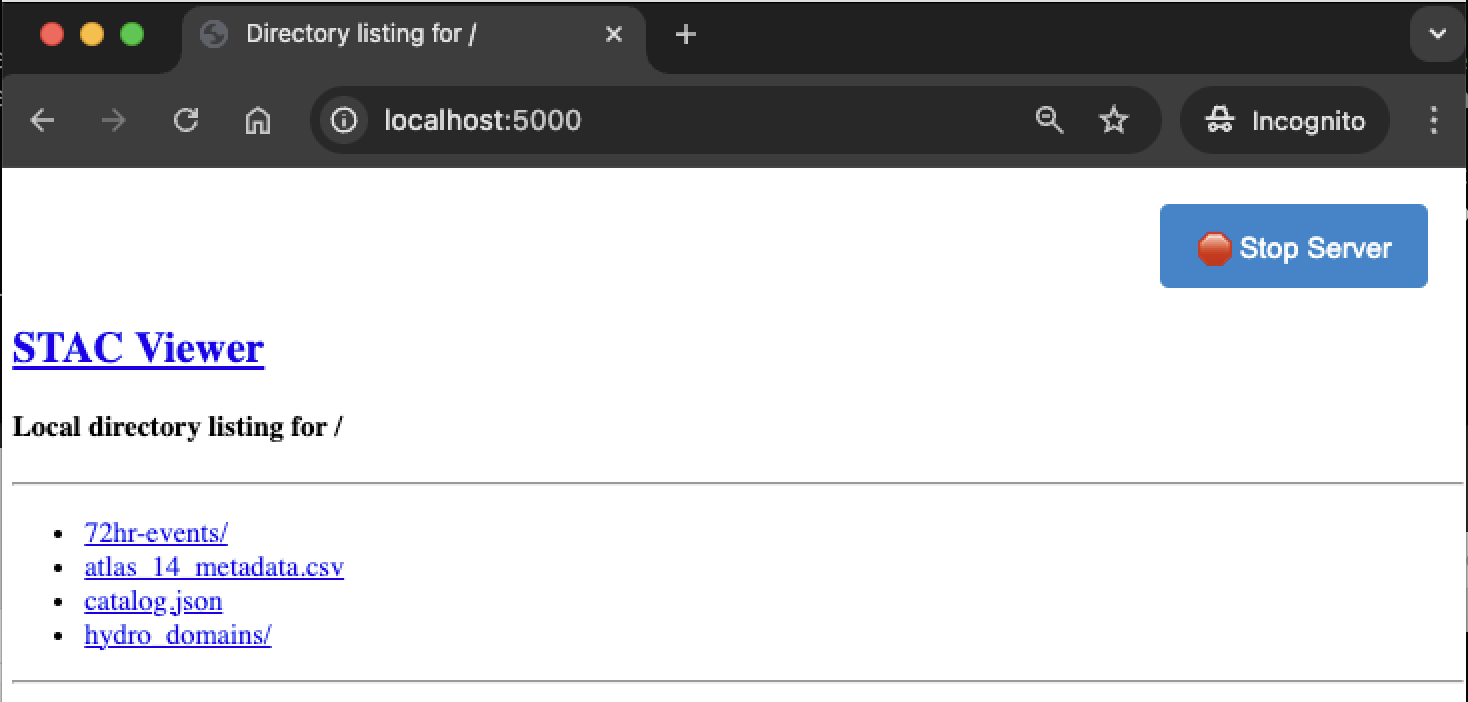
Figure: Images stored locally viewed through the browser using a local file server.#
Workflows#
A config file shown below includes the information required to create a new catalog.
{
   "watershed": {
      "id": "indian-creek",
      "geometry_file": "<LOCAL-OR-REMOTE-PATH>/watershed.geojson",
      "description": "Watershed for use in development of storm catalog"
   },
   "transposition_region": {
      "id": "indian-creek-transpo-area-v01",
      "geometry_file": "<LOCAL-OR-REMOTE-PATH>/transposition_region.geojson",
      "description": "Transposition Domain developed by the hydromet team"
   }
}
The following snippet provides an example of how to build and create a storm catalog. Requires an example watershed and transposition domain (examples available in the repo).
from stormhub.logger import initialize_logger
from stormhub.met.storm_catalog import new_catalog, new_collection

if __name__ == "__main__":
   initialize_logger()

   # Catalog Args
   root_dir = "<local-path>"
   config_file = f"{root_dir}/duwamish/config.json"
   catalog_id = "duwamish"
   local_directory = f"{root_dir}"

   storm_catalog = new_catalog(
      catalog_id,
      config_file,
      local_directory=local_directory,
      catalog_description="Duwamish Catalog",
   )

   # All Collection Args
   start_date = "1979-02-01"
   end_date = "2024-12-31"
   top_n_events = 440

   # Collection Args
   storm_duration_hours = 48
   min_precip_threshold = 2.5
   storm_collection = new_collection(
      storm_catalog,
      start_date,
      end_date,
      storm_duration_hours,
      min_precip_threshold,
      top_n_events,
      use_threads=True, #True for Linux/WSL, False for Windows
      num_workers=8, # Number of parallel workers
      check_every_n_hours=6,
   )
   # Optionally, add DSS files to storm items
   add_storm_dss_files(storm_catalog)
   # Optionally, create normal precipitation grid
   create_normal_precip(storm_catalog, duration_hours=storm_duration_hours)
Note
If using Windows, set use_threads to False in order to avoid issues with multiprocessing. On Linux/WSL, set use_threads to True. The use of ProcessPoolExecutor on Linux can lead to complications due to the way processes are spawned. More investigation is needed on this.
Viewing Results#
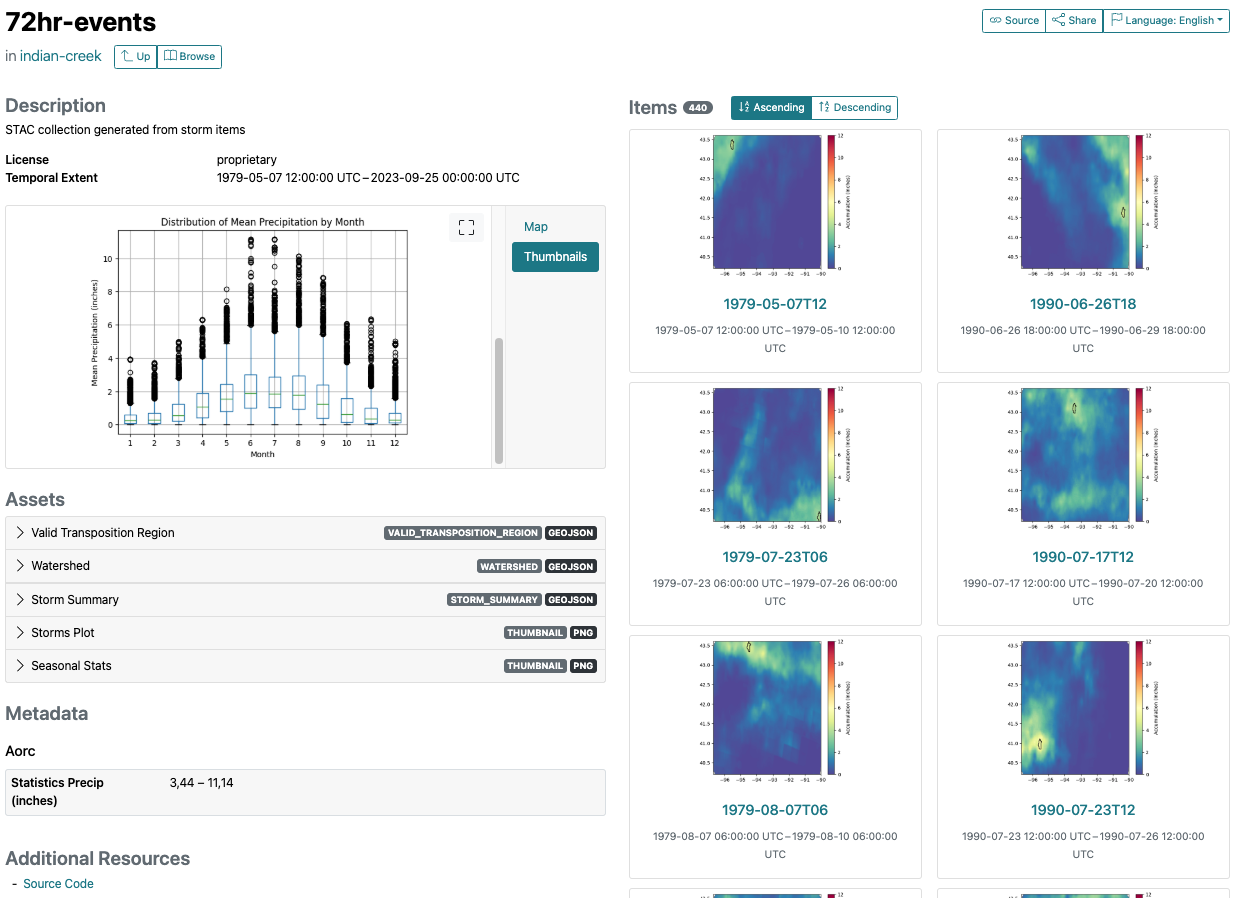
Example Collection created for the indian-creek example data.
Collection Views
Troubleshooting#
For help troubleshooting, please add an issue on github at Dewberry/stormhub#issues